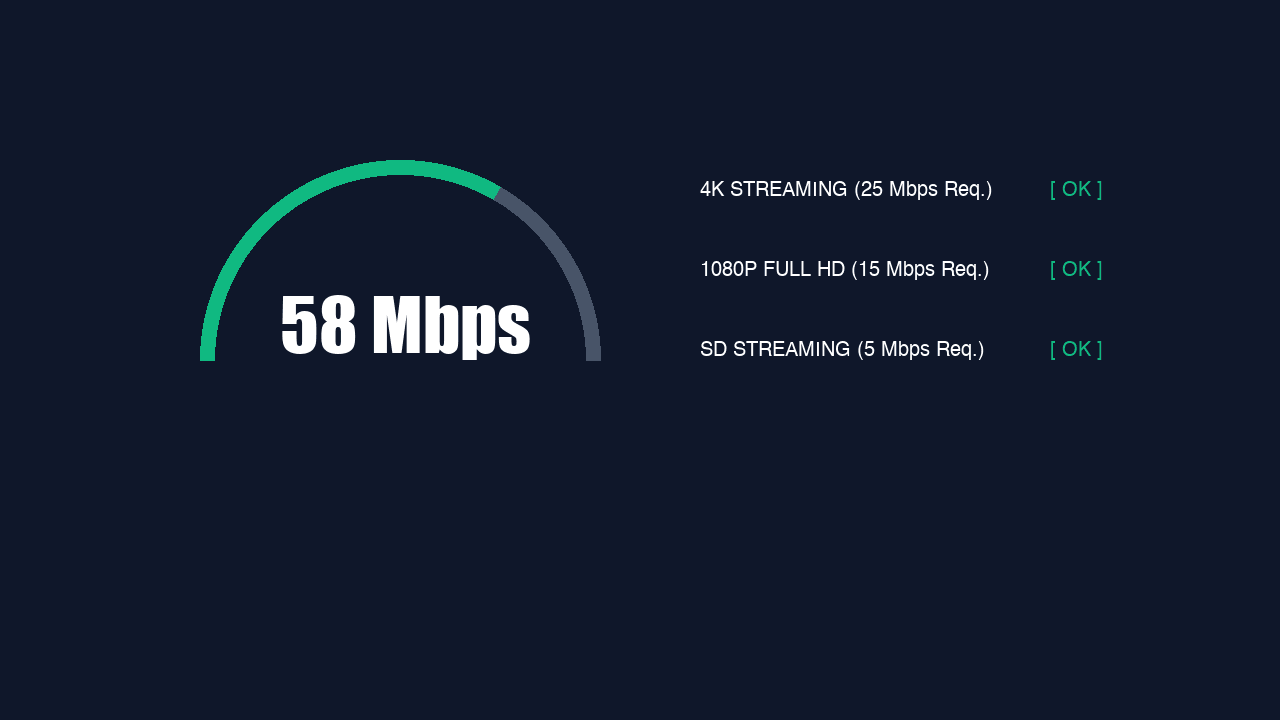
The most common thing people tell support is some version of "it can't be my internet, I have 300 megabit." They are usually wrong, and not because they are careless. The number their speed test produced is genuinely not the number that decides whether a live stream survives.
What are the actual numbers?
Per stream, not per household — that distinction catches people out. The figures below are what one screen needs. Two people watching at once needs both figures added together, plus whatever else the house is doing.
| Quality | Per stream | Comfortable with |
|---|---|---|
| SD | 5 Mbps | 10 Mbps |
| HD (720p) | 10–15 Mbps | 20 Mbps |
| FHD (1080p) | 20–25 Mbps | 35 Mbps |
| 4K / UHD | 35–45 Mbps | 60 Mbps |
The "comfortable with" column is the one worth reading. Running a stream at exactly its minimum means every small hiccup becomes a visible stutter, because there is no headroom to absorb it. Give it roughly a third more than the theoretical need and the same connection feels transformed.
For a typical household — a match in the lounge in FHD, cartoons on a tablet in HD, and someone scrolling — you want something in the region of 50 Mbps that actually arrives reliably. Which is the whole problem.
Why does the speed test lie?
It does not lie exactly. It answers a question you are not asking. A speed test measures the maximum a connection can pull in a burst of a few seconds, under ideal conditions, to a nearby server chosen for being fast.
A live stream asks something entirely different: can you sustain a modest rate, without a single meaningful gap, for two solid hours, to whichever server holds the feed? Those are not the same test, and a connection can ace the first while failing the second.
Think of it as the difference between a sprinter and a metronome. The speed test hires a sprinter. Your match needs a metronome. A connection that averages 300 Mbps but drops to nothing for 400 milliseconds every minute will produce a stunning speed test and an unwatchable match.
So what actually causes it?
Wi-Fi, overwhelmingly. It is the single biggest cause of IPTV problems and the one people are most reluctant to accept, because the router is right there and the phone says four bars.
The things that quietly ruin Wi-Fi
- The 2.4GHz band is shared with every microwave, doorbell, baby monitor and neighbour on your street. It is a crowded room and everyone is shouting.
- A Firestick tucked into an HDMI port behind a metal-backed TV is sitting in a small Faraday cage. Use the extender in the box — it exists for this reason.
- Distance and walls. One brick wall can halve throughput, and the router being "just there" through it makes no difference.
- Everything else in the house. Someone else's 4K stream, a game console updating in the background, a cloud backup that fires at 8pm.
The test is embarrassingly simple. Physically move the device next to the router and watch for ten minutes. If it is flawless there and stutters in the lounge, the case is closed and no provider on earth can fix it for you.
Fine at breakfast, broken at 8pm?
Then bandwidth is not your problem, and neither is your provider. Servers do not know what time it is in your living room. Something between you and them changes at peak, and it is usually your ISP.
Sustained video is the most expensive traffic an ISP carries, and many quietly shape it during the evening. It is rarely advertised and it is legal in most markets. The signature is unmistakable once you know it: perfect at 8am, unwatchable at 8pm, on a connection that tests fine at both.
Confirming it takes ten minutes. Put a VPN on and watch the same channel. If the stutter vanishes, your ISP was shaping you — a VPN hides the shape of the traffic, so it gets treated as ordinary encrypted data. Pick a server geographically near you rather than the fastest-looking one on another continent, because every extra thousand miles adds latency, and latency is what kills live streams.
| Pattern | Cause | Fix |
|---|---|---|
| Bad at peak only | ISP shaping video | VPN, server near you |
| Bad all the time | Wi-Fi | Ethernet or powerline |
| Bad on one device | That device | Restart fully; force quality |
| Bad on one channel | That source | Support, with the exact channel name |
| Fine wired, bad wireless | Wi-Fi. Definitively. | Stop testing, run the cable |
What actually fixes it
In rough order of how much good they do per pound spent. The first one solves most cases outright, and it is the one people skip because it involves a cable.
- Wire the device in. Ethernet if you can reach it, powerline adapters for about £30 if you cannot. This single change fixes the majority of IPTV complaints we see.
- Move to the 5GHz band if you must use Wi-Fi. Less range, dramatically less interference. For a device in the same room as the router it is not close.
- Force the quality in the player rather than leaving it on auto. Auto drops after one bad moment and often never climbs back for the rest of the match.
- Restart the streaming device weekly. Fire OS in particular leaks memory, and the picture goes soft before it starts stuttering.
- Try a VPN — but only to test the throttling theory. If it makes no difference, you have ruled something out, which is progress.
- Only then consider faster broadband. It is the most expensive option and it fixes the least.
Is 100 Mbps enough for IPTV?
Comfortably, for most households — that supports several FHD streams at once with headroom. But only if it arrives reliably. A steady 30 Mbps wired connection outperforms a 100 Mbps one delivered over congested Wi-Fi, every evening.
Does 4K need much more than FHD?
Roughly double — around 35–45 Mbps against 20–25. If your connection is marginal, force FHD. A rock-solid FHD stream beats a 4K one that buffers twice a half, and on most living-room screens at normal distance the difference is smaller than people expect.
Why does my phone stream fine but the TV does not?
Usually the TV is further from the router, or on 2.4GHz, or the phone is on mobile data entirely. It can also be the connection limit — if the phone is still playing and your plan allows one stream, the TV gets refused.
Will upgrading my broadband fix buffering?
Only if bandwidth was genuinely the constraint, which it usually is not. If the cause is Wi-Fi or evening throttling, a faster line changes nothing and costs you monthly. Run the wired test first — it is free and it answers the question.
Does the number of devices matter if only one is watching?
Yes. Anything on your network competes for the connection — a console downloading a patch or a cloud backup firing at 8pm eats the headroom your match needed, even though nobody is watching them.
The short version
Budget around 25 Mbps per FHD screen, give it a third of headroom, and get the device on a cable. Do that and most IPTV problems never happen. Skip it and no provider can save you, because the problem is in your house.
Once your end is sound, the rest is the provider's job. livestreams4u runs load-balanced servers across three continents with 99.9% uptime, and a 30-day money-back guarantee if it does not perform on your connection — which, if you have wired the box in, it should.
Still not sorted?
Send us a photo of your screen on WhatsApp and tell us the device. Someone is on shift right now, and most of these are fixed inside ten minutes.